Internal Audit Management
Risks won't wait for your next rotation. Resolver’s Internal Audit Management software shines the spotlight on emerging risks so you can tackle them as they surface.
Trusted by over 1,000 leading global organizations





Risks change fast. We help audit teams move faster.
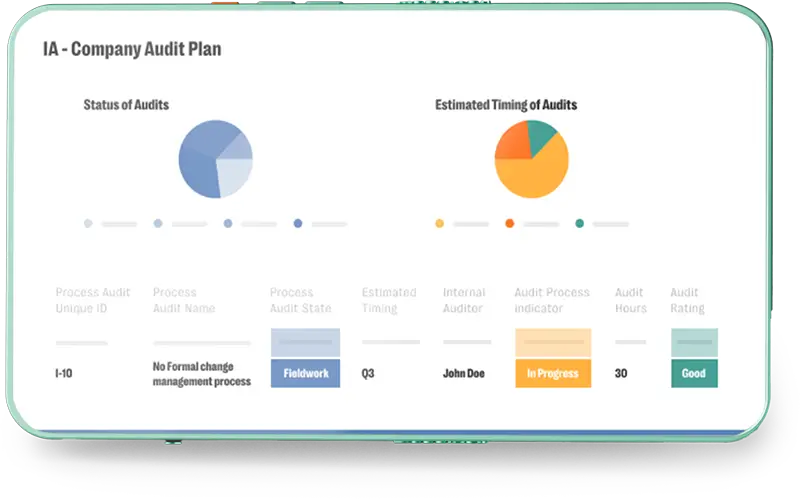
Centralize a Single Audit Universe
When data is everything and teams are everywhere, a central hub is vital. Manage your complete audit universe in one Internal Audit Management software platform, including processes, risks, controls, and tests. All departments can share risk and audit data easily, increasing efficiency and engagement through a central source of truth.
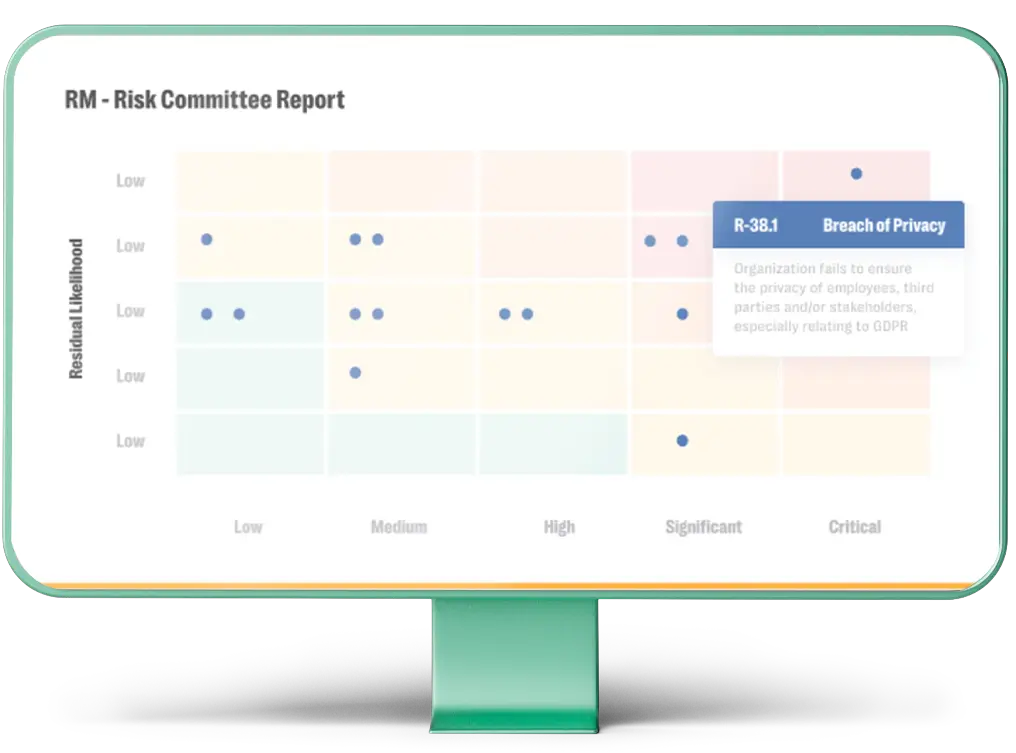
Build Risk-Based Audit Plans
Stay one step ahead of risks, no matter how fast they change. View the latest risk exposure based on the most recent risk and audit data from across your enterprise. Use these insights to allocate resources to address the highest priority risks before they make an impact.
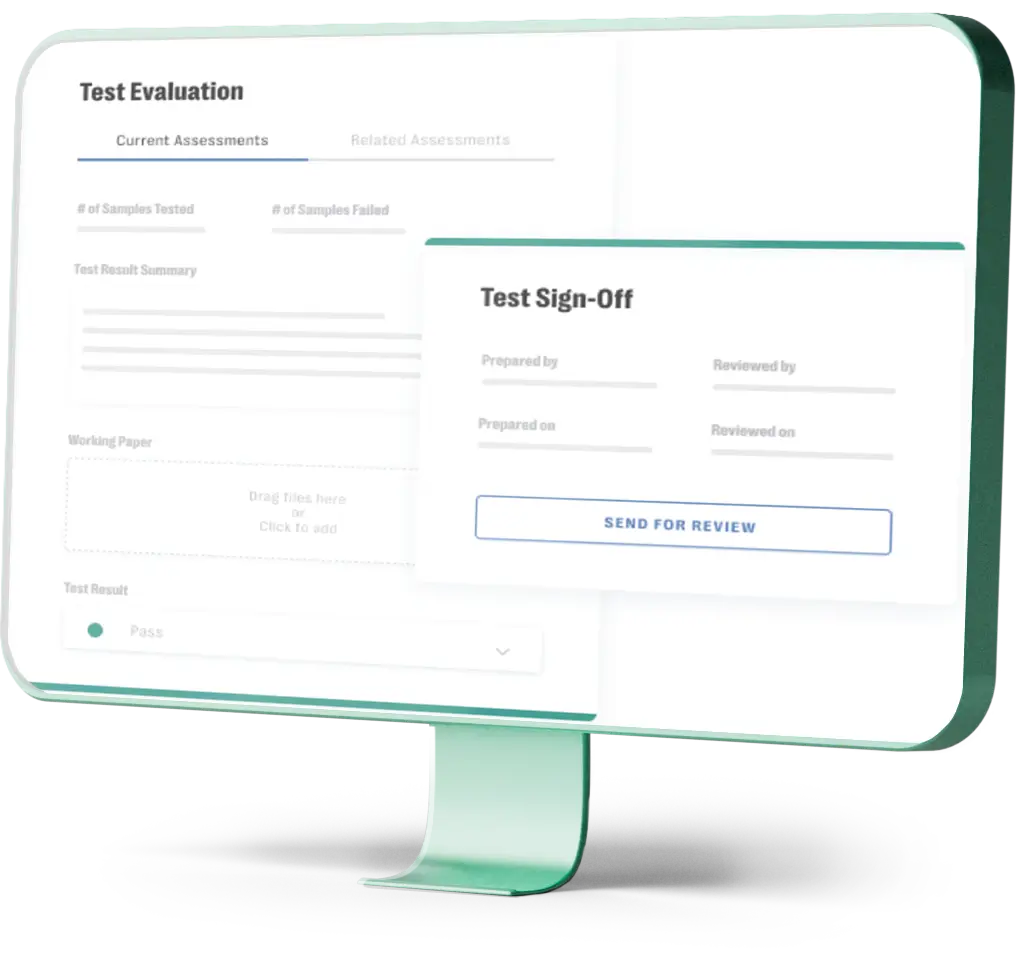
Adopt Best Practices
Reduce the chance of inaccurate risk assessments. Empower teams to consistently meet high standards with ready-made templates that have built-in IPPF performance standards, including coverage planning, fieldwork, testing, review, and audit report steps.
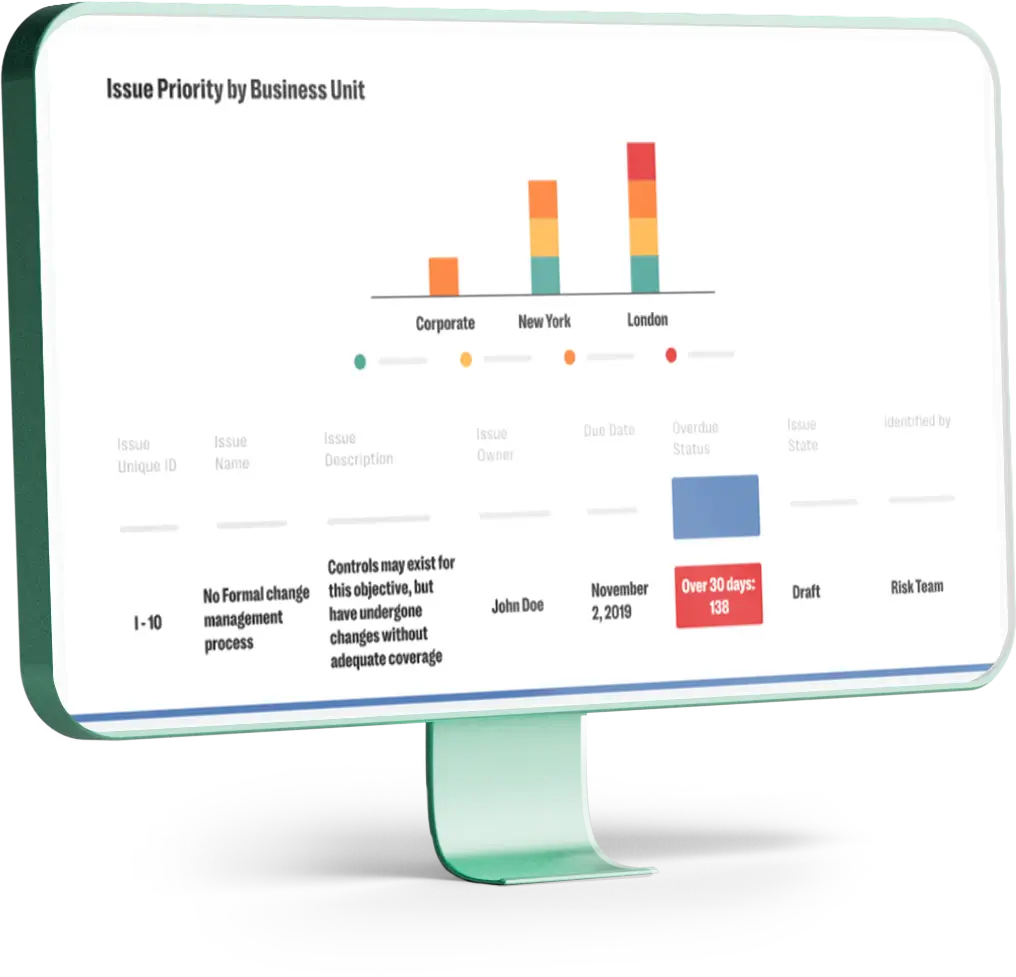
Automate Workflow Management
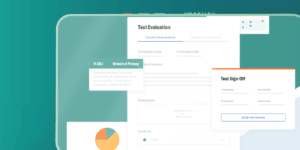
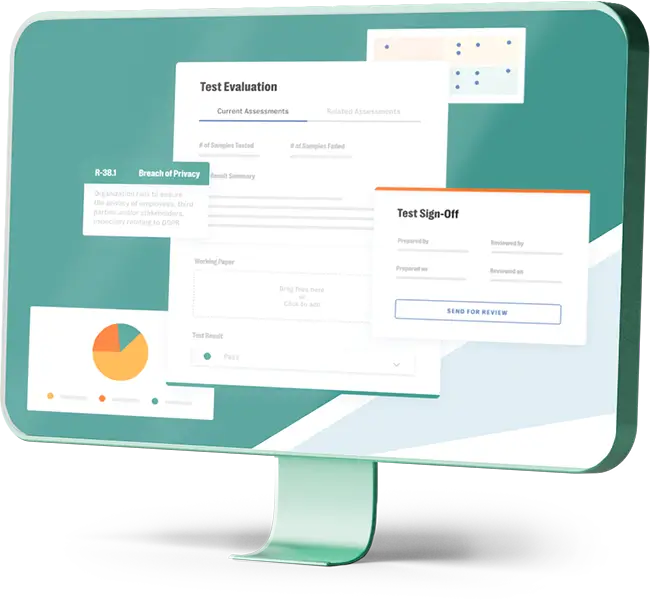
Stop chasing evidence via emails and spreadsheets. Automated workflows, reminders, and alerts — built directly into our Internal Audit Management solution — increase efficiency by making communicating with stakeholders fast and frictionless.
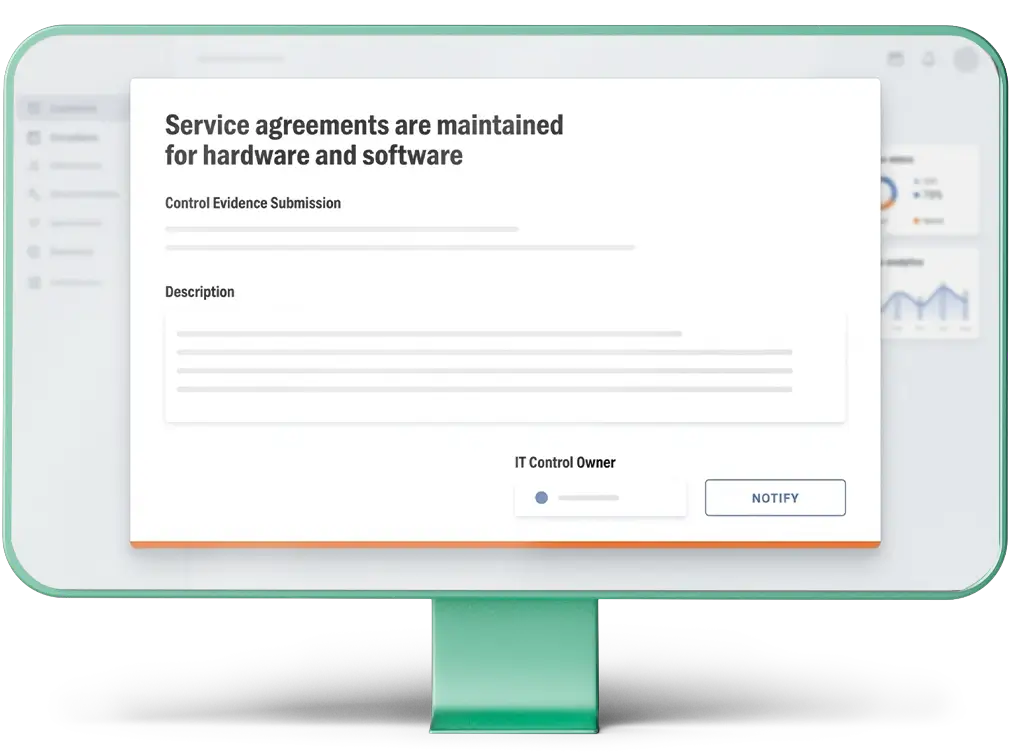
Improve First-Line Client Engagement
Increase collaboration with an intuitive portal that makes it easy for first-line clients to submit documents and review narratives and gain 30% audit process efficiency. With all information stored centrally within Resolver’s integrated risk intelligence platform, clients will be asked to submit data once and only once.
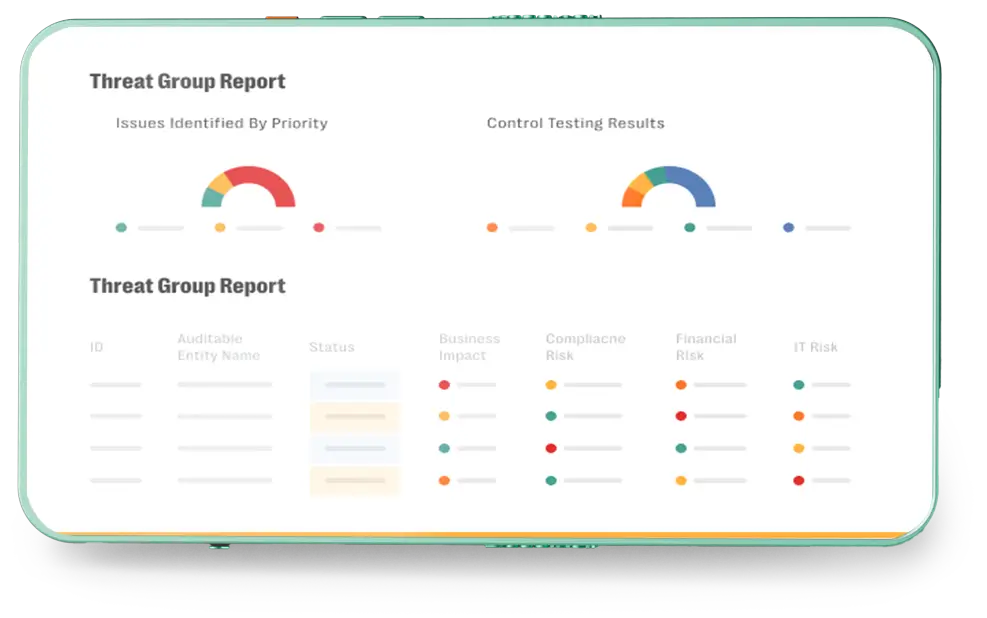
Generate Real-Time Reports
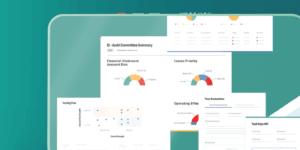
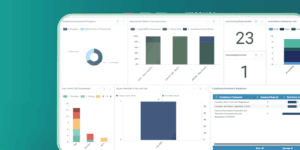
Save weeks with one-click audit committee reports. Comprehensive automated dashboards provide simple visualizations and valuable insights to drive strategic business decisions. See the whole business in one snapshot, or use filters to drill down into the finer details.
Stay in Control and Confidently Give The Green Light.
Benefits of Internal Audit Software

Agile Risk Management
Protect your organization from risks — no matter how fast they change — by identifying the latest high-priority risks. Allocate resources strategically and implement internal control plans to ensure maximum protection without straining your budget.

Increased Audit Efficiency
Perform high-quality risk-based audits quickly with automated workflows and customizable templates. Gathering accurate information from multiple departments is effortless with a single software platform that collects and consolidates data into one source of truth.

Zero Audit Fatigue
Collaboration is smooth with a central portal that first-line clients can easily engage with. Gaining cooperation is easy because you only request evidence once.

Easy Reporting
Reporting is made easy with powerful dashboards that offer valuable business insights for audit managers, internal control teams, GRC and ERM leadership teams, and more. Make business decisions and allocate resources based on real-time risk assessments.
Frequently Asked Questions
- What is internal audit management software?
-
Internal audit management software helps teams plan, execute, document, and report on audits in one centralized system. It brings together activities such as risk assessments, audit planning, fieldwork, testing, evidence collection, findings, corrective actions, and reporting, helping reduce reliance on spreadsheets, email, and shared files.
- What should internal audit management software include?
-
Internal audit management software should support the core audit lifecycle, from risk assessment and planning through fieldwork, testing, evidence collection, issue tracking, reporting, and follow-up. It should also offer configurable workflows, access controls, dashboards, and automation to help teams work more consistently and efficiently.
- What should internal audit management software include?
-
Internal audit management software should support the core audit lifecycle, from risk assessment and planning through fieldwork, testing, evidence collection, issue tracking, reporting, and follow-up. It should also offer configurable workflows, access controls, dashboards, and automation to help teams work more consistently and efficiently.
- Why choose Resolver’s internal audit management software?
-
Resolver connects internal audit with broader risk and controls data, giving teams a more complete view of organizational risk. It helps automate recurring audit activities, streamline evidence collection and collaboration, support risk-based planning, and generate real-time reporting in one platform.
- What support does Resolver offer for internal audit fieldwork?
-
Resolver supports internal audit fieldwork with structured workflows for testing, document requests, findings, issues, and corrective actions. Audit teams can review processes, risks, controls, and tests within an audit project, track budgeted versus actual hours, review testing and findings summaries, and move completed work through review and reporting stages. Automated workflows, reminders, and centralized evidence collection also help reduce manual follow-up during fieldwork.
- How much does Resolver's internal audit software cost?
-
Resolver pricing is tailored to each organization’s needs rather than listed as a fixed public price. Pricing can vary based on the solutions selected, number and type of users, deployment scope, configuration requirements, integrations, and services. Organizations can contact Resolver for pricing based on their internal audit requirements and broader GRC needs.
- How does Resolver's Internal Audit Management solution improve collaboration during an audit?
-
Resolver gives audit teams and audit clients a centralized place to manage audit information and requests. First-line stakeholders can submit documents and review narratives through an intuitive portal, while audit information is stored centrally so teams can reduce duplicate requests and avoid chasing evidence across email and spreadsheets. Role-based access can also help ensure users see the audit information relevant to their responsibilities.
- How does Resolver support risk-based audit planning?
-
Resolver helps internal audit teams use current risk and audit data to identify which areas of the organization require the most attention. Teams can assess the audit universe using risk scores and enterprise risk information, prioritize higher-risk auditable entities, and use those insights to build audit plans and allocate resources where exposure is greatest.
- How does Resolver support audit reporting and audit committee reporting?
-
Resolver centralizes audit and risk information so teams can report without manually consolidating data from multiple spreadsheets and systems. Automated dashboards provide real-time views of audit activity and risk information, with filters for more detailed analysis, while one-click audit committee reporting helps teams prepare leadership-level reporting more efficiently. Resolver also supports reporting across testing results, findings, risks, and controls within individual audit projects.
- Can external auditors or regulators securely access audit information in Resolver?
-
Resolver supports role-based access so organizations can control what users can view and do within the platform. Within Internal Audit Management, an Audit Client can be given read-only access to the scope of an audit—including processes, risks, controls, requests, issues, and corrective actions—and can view final audit reports. Whether external auditors or regulators can be granted direct access should be confirmed based on the organization’s Resolver configuration, licensing, and security requirements.
- How does Resolver maintain an audit trail for AI-generated actions and recommendations?
-
Resolver maintains traceability around AI-assisted activity by keeping AI-generated outputs within the relevant GRC workflow and clearly identifying AI-generated content. Users remain in control of reviewing, editing, accepting, or rejecting AI-generated recommendations before taking action, helping organizations maintain human oversight and a defensible record of how AI-supported decisions were made.
Whatever your needs, Resolver has a solution.
- Integrations
- Process Automation
- Data Warehousing
- Workflow Automation
- Analytics
- Automated Reporting